 Augmind Studio
01
Create the class
From Classes, select New class. Add the class name, season, and curriculum. A curriculum creates a session-by-session workspace; a custom class uses the template catalog.
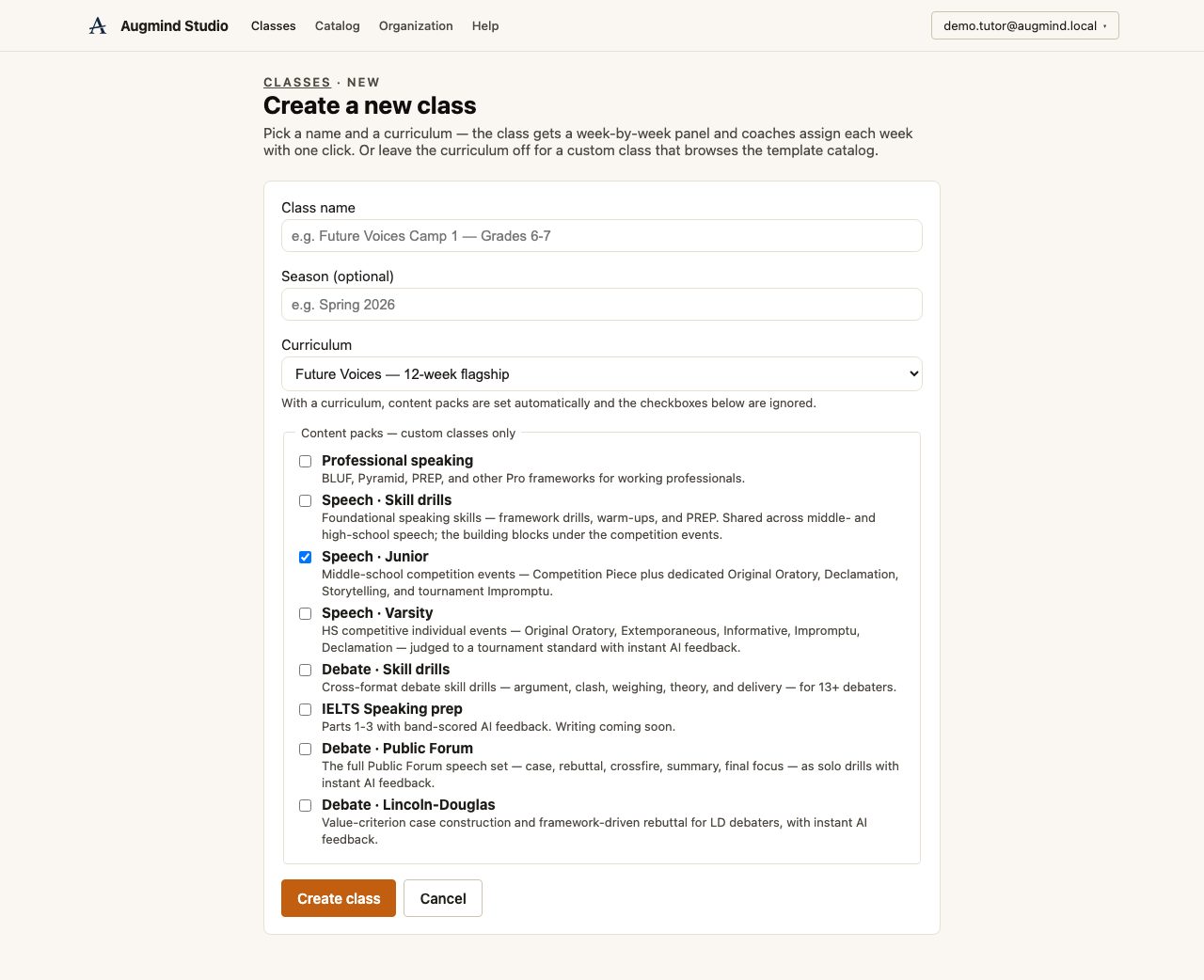
Choose a curriculum, confirm consent, and paste the class list in one batch.
From Classes, select New class. Add the class name, season, and curriculum. A curriculum creates a session-by-session workspace; a custom class uses the template catalog.
Before adding students, the institution owner confirms that the organization holds the required recording and AI-processing consents.
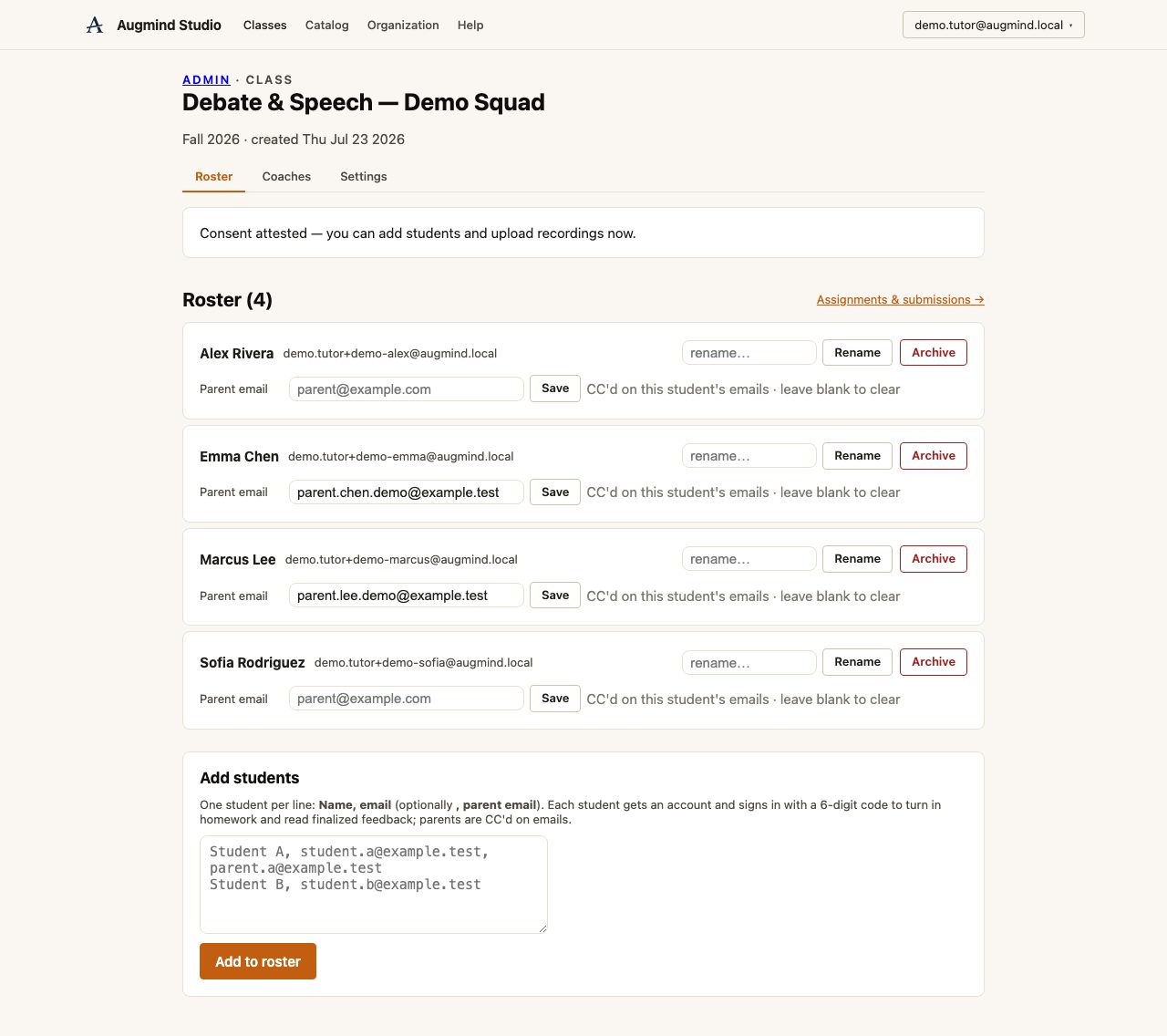
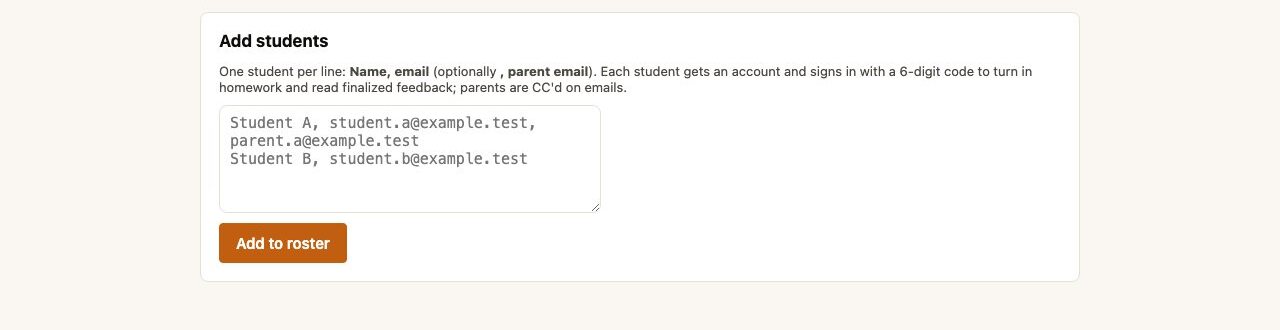
Add one student per line using Name, student email, and optionally parent email. Parents on file are copied on assignment and feedback emails.
Check names and emails, then open Assignments & submissions. Every rostered student is now eligible to receive homework.
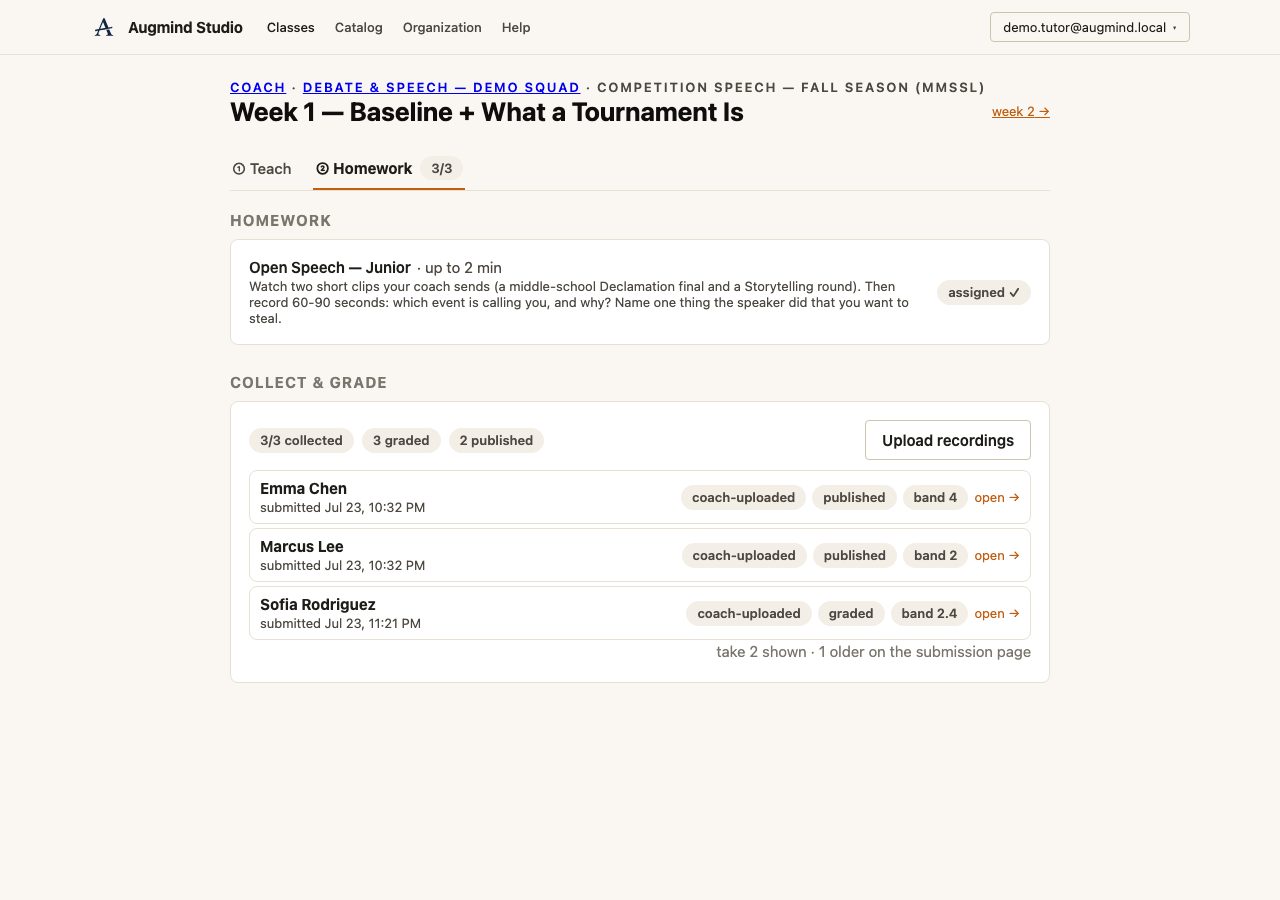
Continue the workflow with the next person or task in the journey.