 Augmind Studio
01
Open a submitted take
The class workspace shows who submitted, who is missing, and which feedback is published. Open the student whose submission is ready for review.
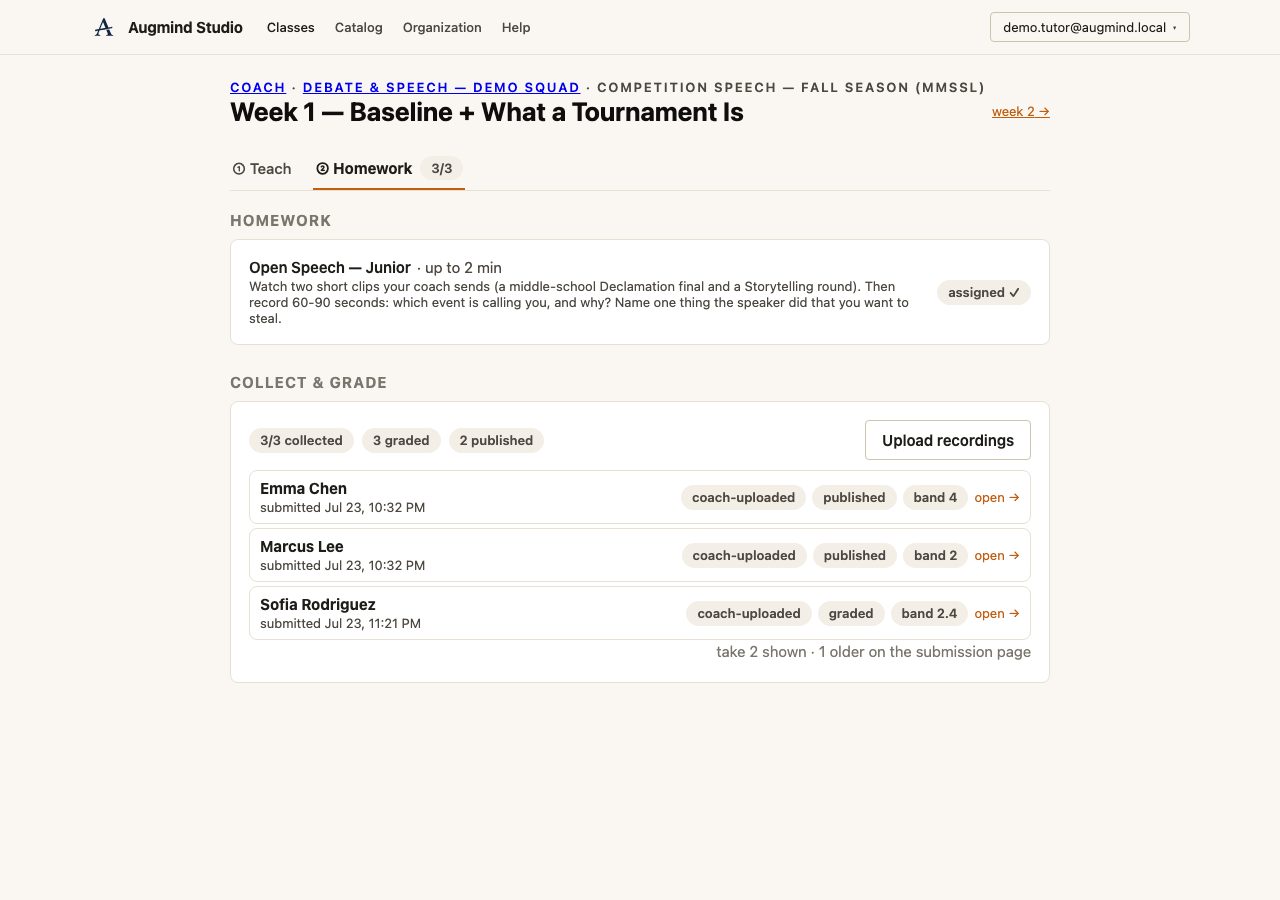
Watch the submission, verify the AI draft, add your judgment, and publish.
Want to try the workflow yourself? Download this short sample recording, upload it as a demo homework submission, and follow the steps below. It uses an abstract visual with no student image, making it suitable for team training and onboarding.
Download demo MP4The class workspace shows who submitted, who is missing, and which feedback is published. Open the student whose submission is ready for review.
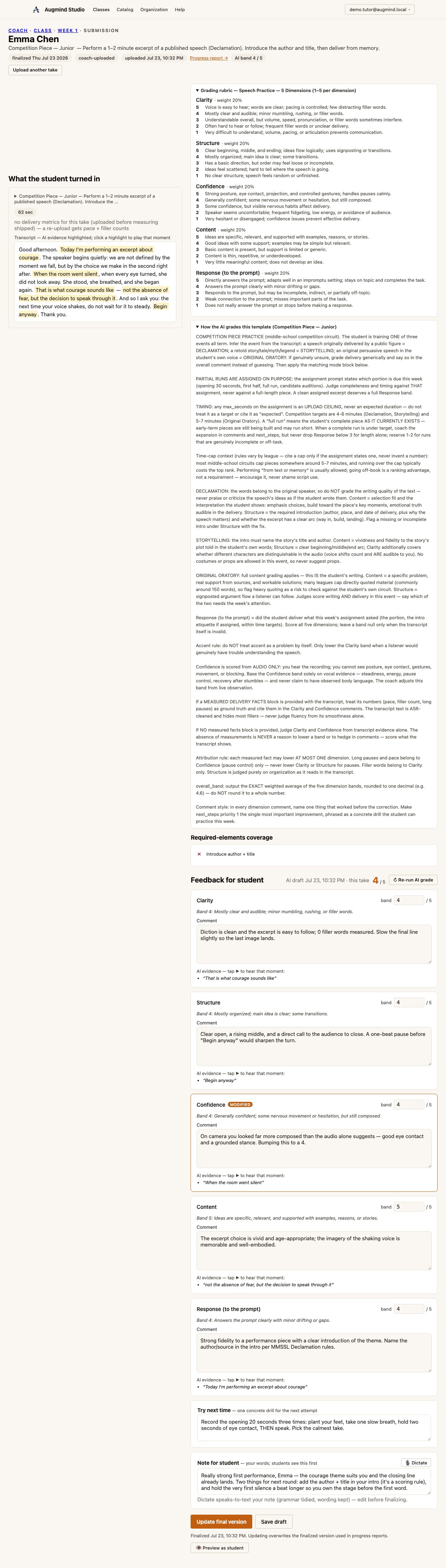
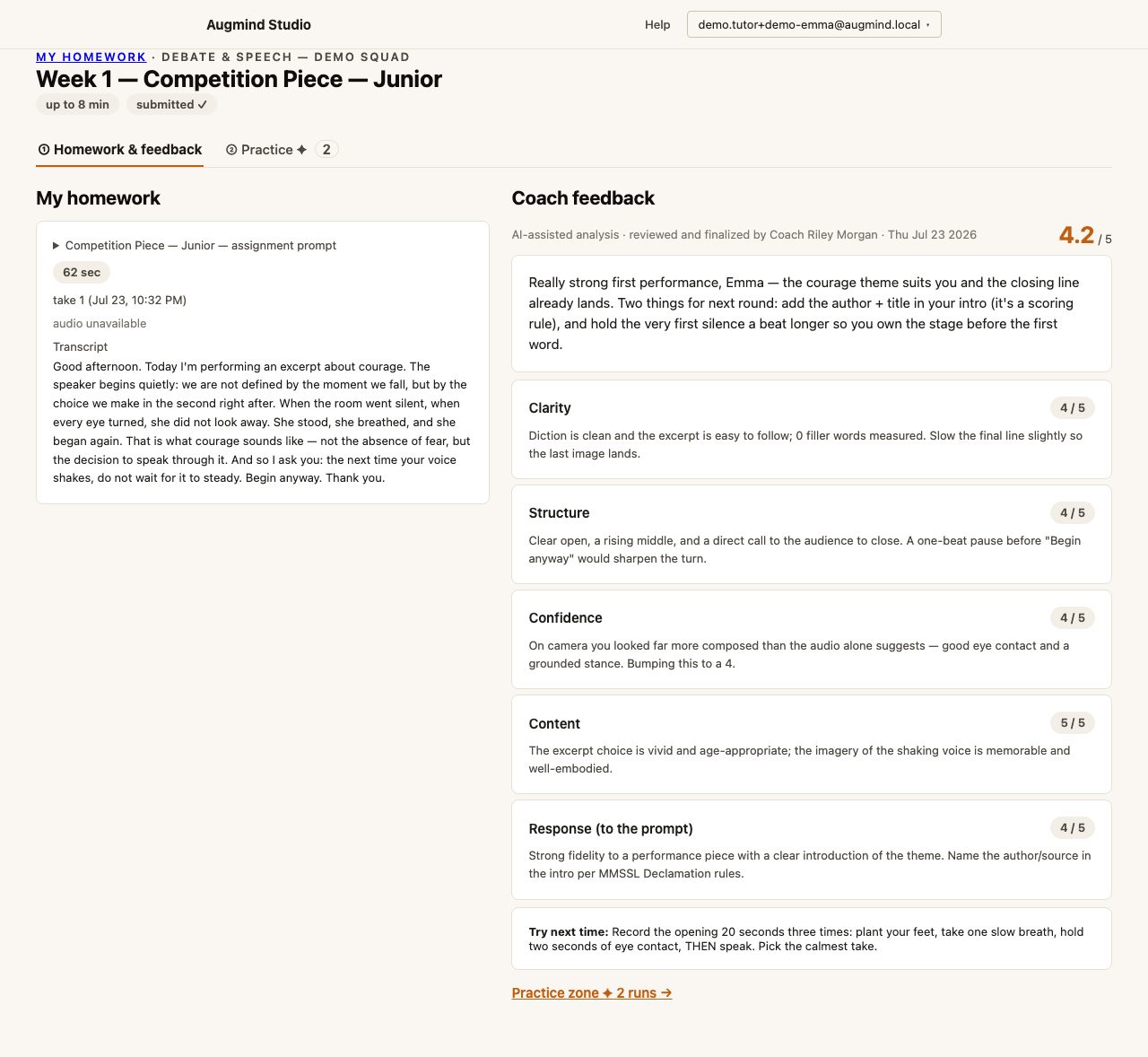
The recording and transcript stay visible beside the grading editor. Review delivery facts, task requirements, and evidence quotes before accepting the AI’s conclusions.
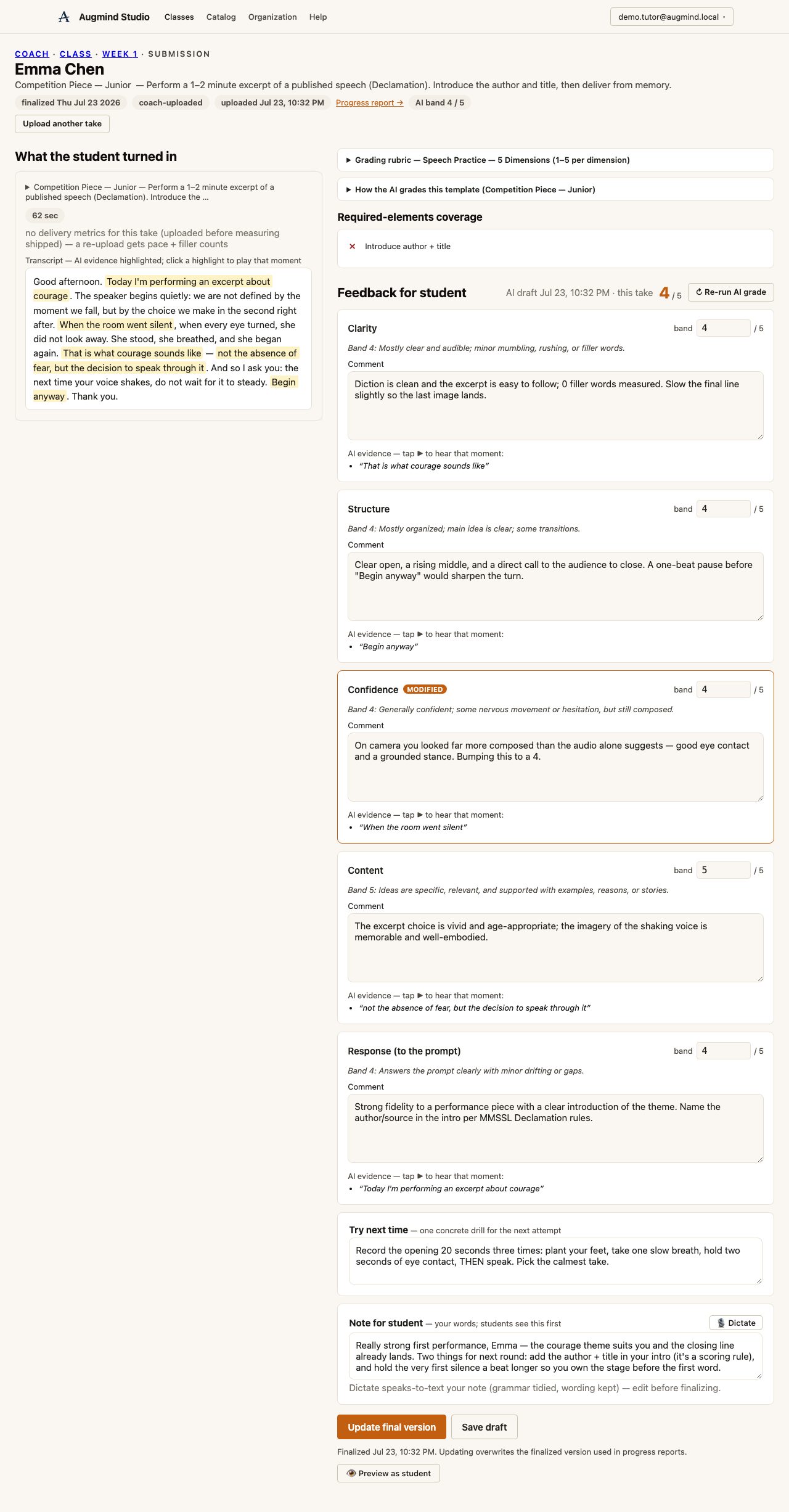
Adjust any rubric score or comment the AI got wrong. Keep accurate suggestions, then refine the single Try next time drill.
Write the short personal message students see first. You can type it or dictate a voice note and edit the transcription.
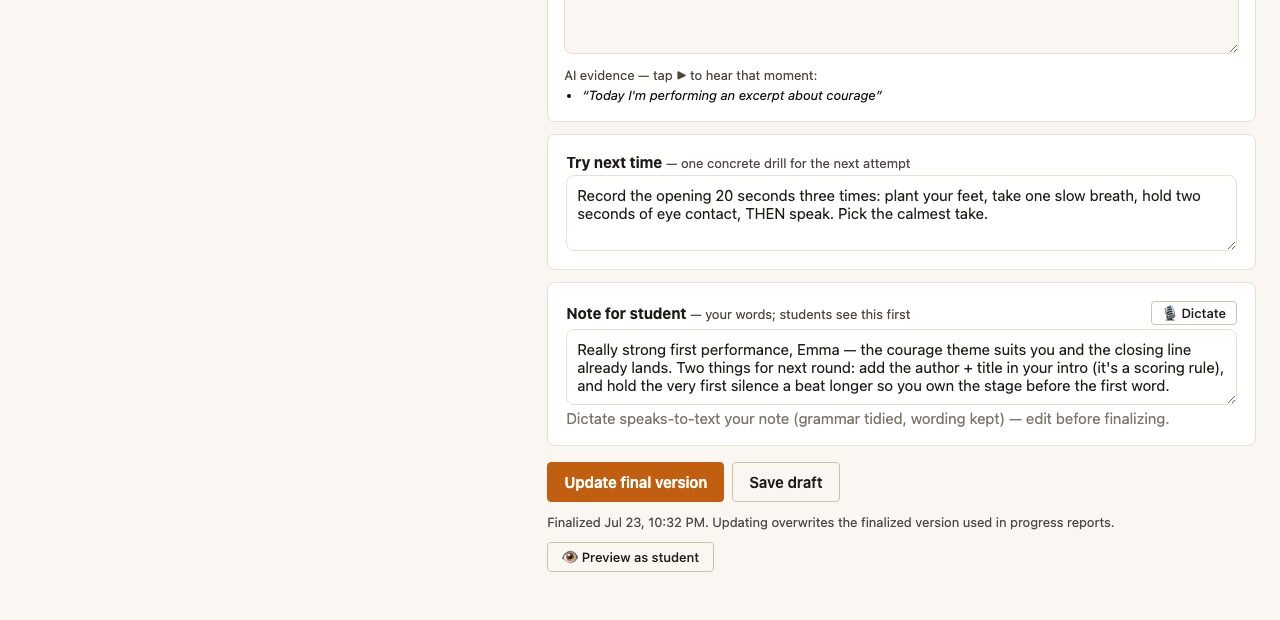
Select Finalize. The student receives an email containing the reviewed feedback and a link to rewatch, read the full report, and practice again.
Continue the workflow with the next person or task in the journey.