
Institution admin

Add coaches to your institution

Give coaches access to your institution, then assign them to the classes they teach.

Time2 minutesSteps4OutcomeReady to continue
Before you begin
  • An institution admin account
  • The coach’s work email
What success looks likeThe coach can sign in and access the classes assigned to them.
01

Open Organization

Choose Organization from the top navigation. This page lists the institution owner and every active coach.
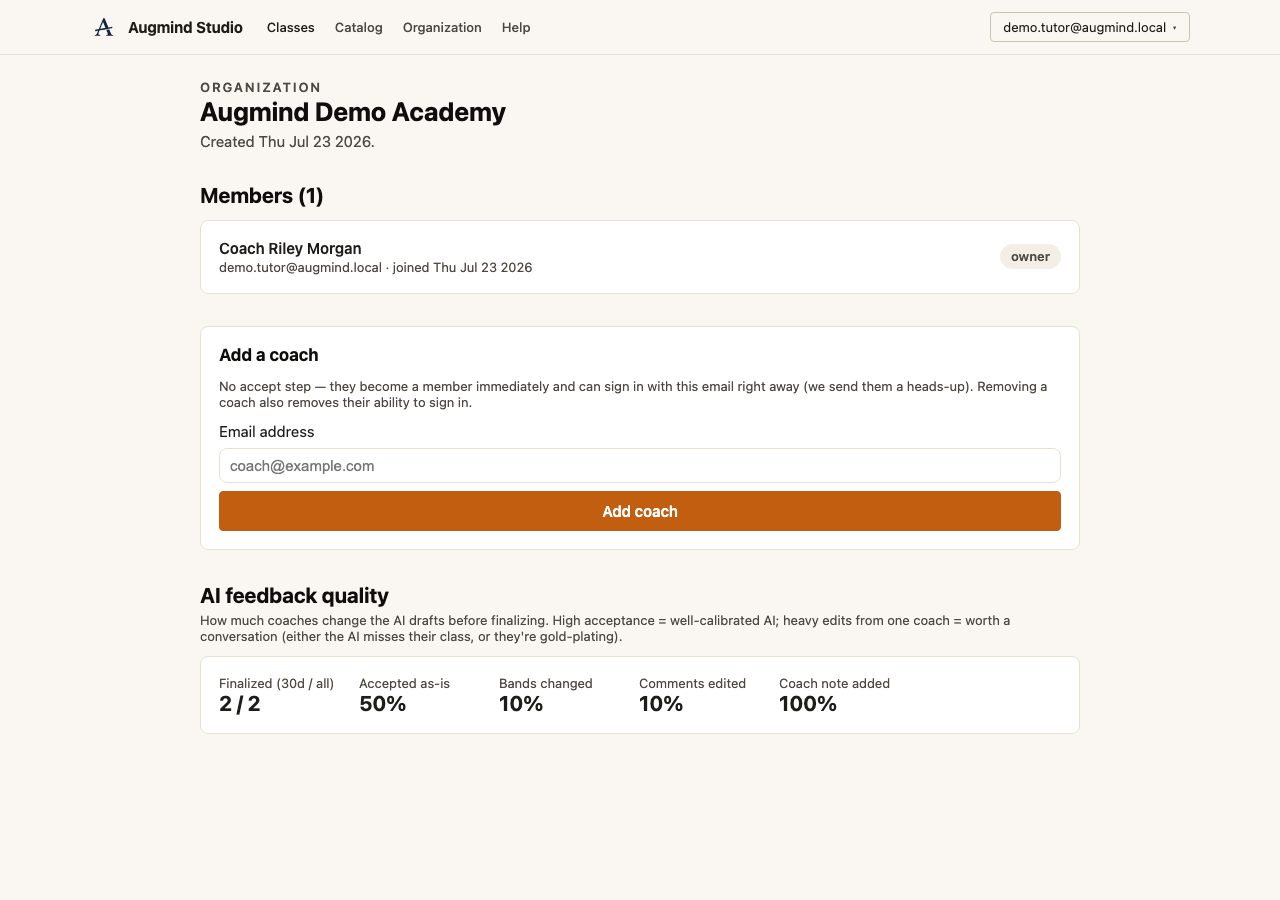
Real Augmind organization and coach management page
Invite and manage coaches · real local demo accountopen full size ↗
02

Add the coach’s email

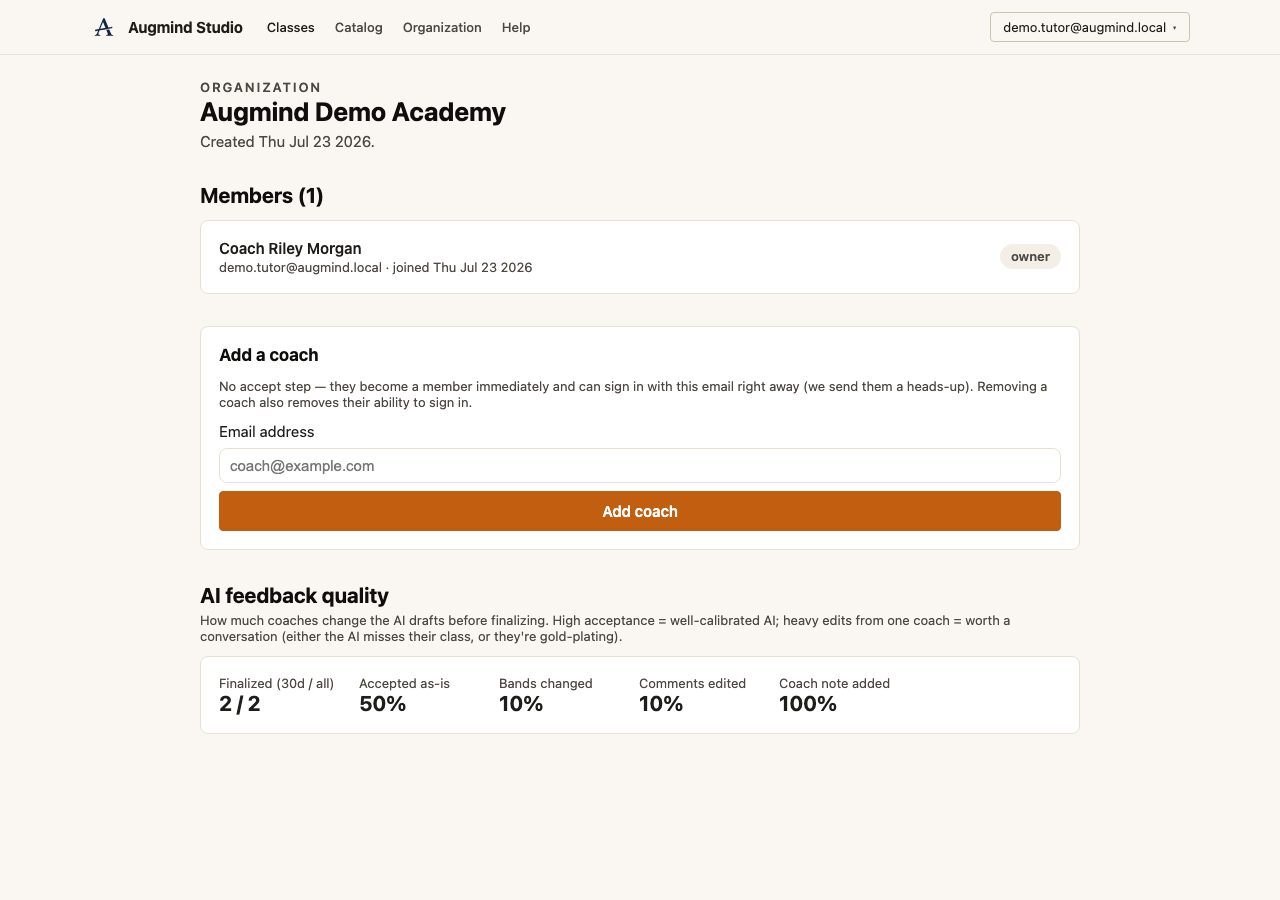
Enter the exact email the coach will use to sign in, then select Add coach. They become a member immediately and receive an email explaining how to sign in.
Good to knowRemoving a coach later removes their institution access without deleting student work.
Real Augmind Add a coach form with a coach email entered
Add a coach by their sign-in email · real local demo accountopen full size ↗
03

Assign the coach to a class

Open the class settings and add the coach as a primary or secondary coach. Coaches only see the classes assigned to them.
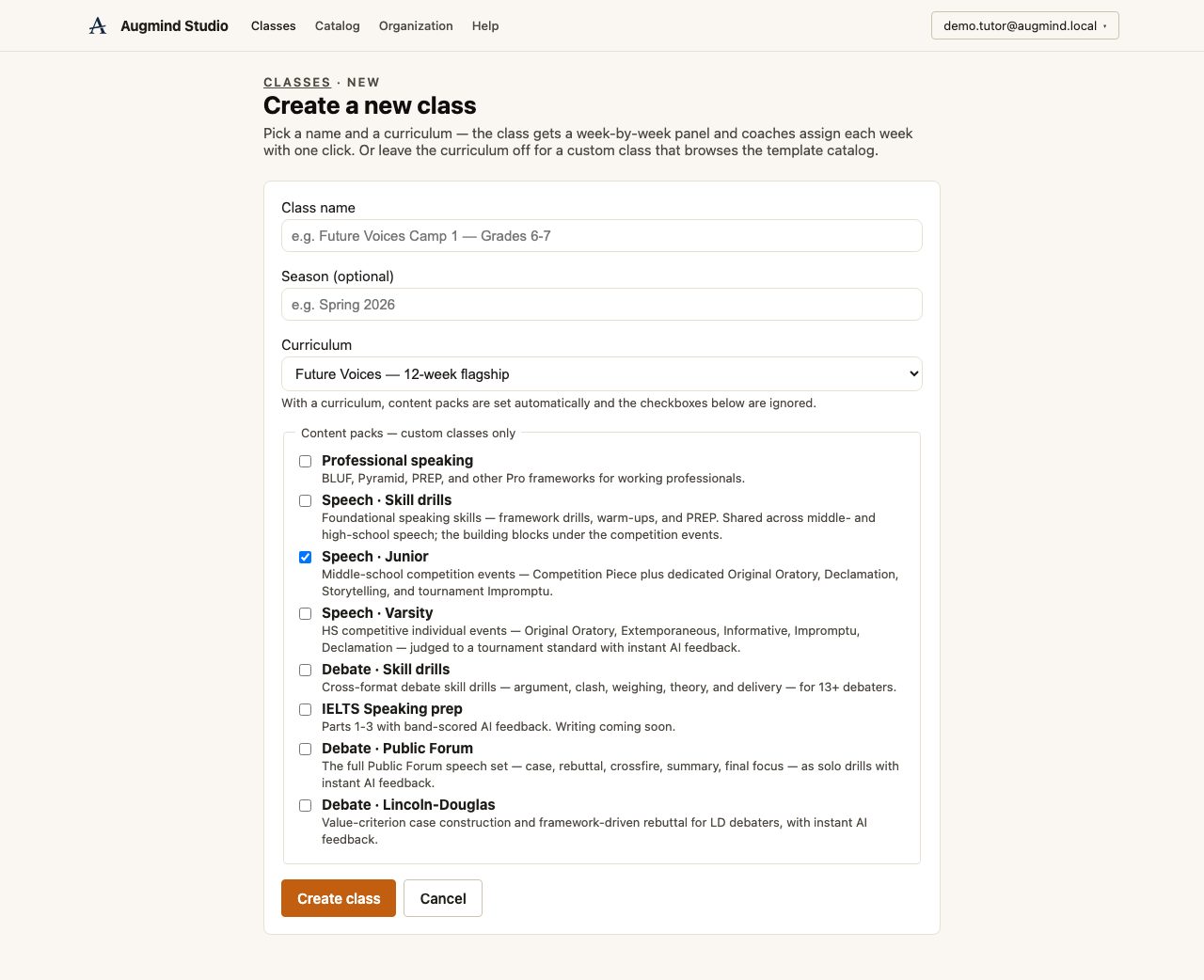
Real Augmind create class page
Create a class · real local demo accountopen full size ↗
04

Ask the coach to sign in

The coach signs in with the same email and a six-digit code. Their Classes page now shows the class and its current submission queue.
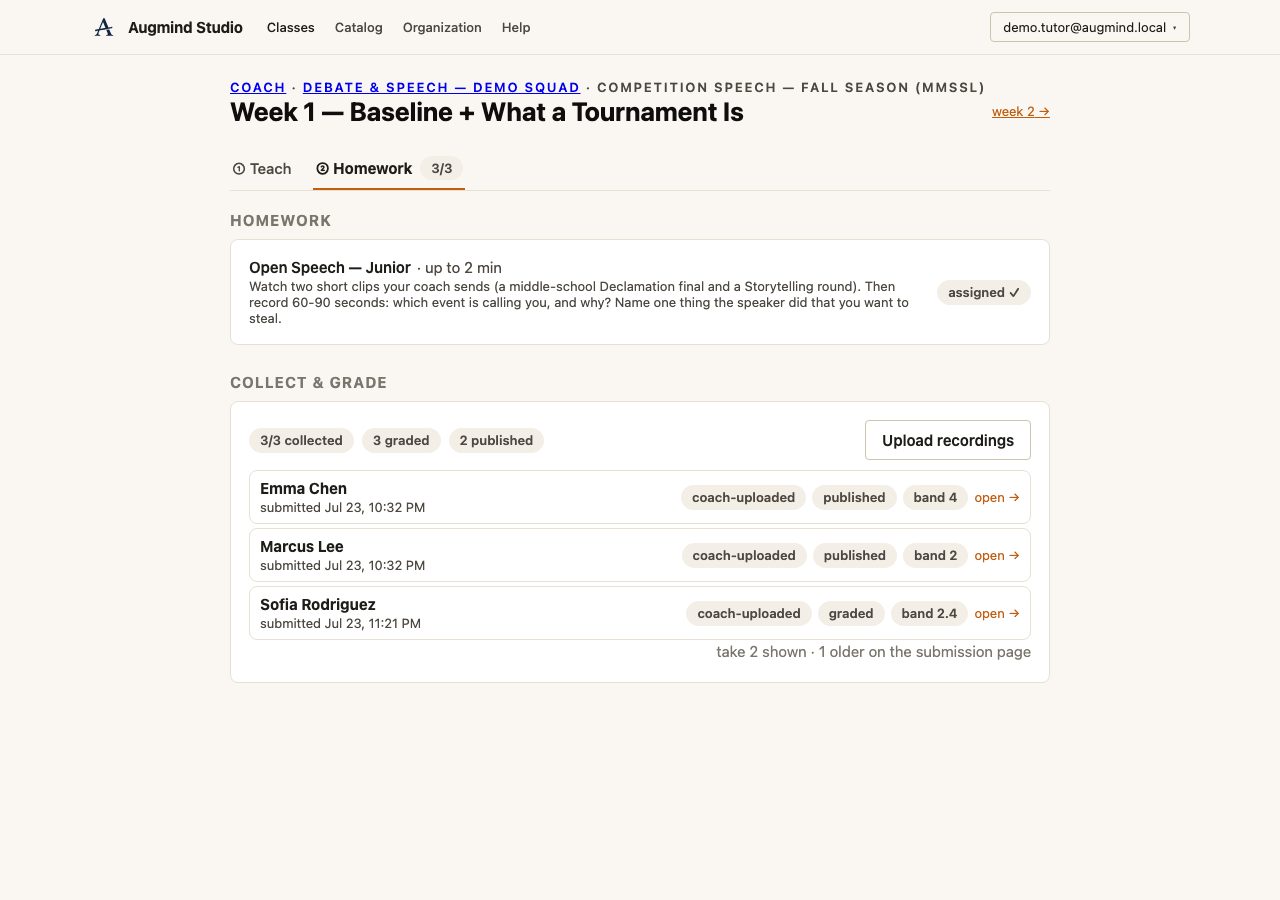
Real Augmind coach submission queue
Collect and grade homework · real local demo accountopen full size ↗
Guide complete

The coach can sign in and access the classes assigned to them.

Continue the workflow with the next person or task in the journey.

Next: Create a class and roster